gmailoutlooklimits
Gmail and Outlook Sending Limits Explained
Gmail and Outlook both cap how many emails you can send per day. Here is a plain-English guide to the limits, what happens when you hit them, and how to stay safe.
By Outbox Team · · 2 min read

Every mailbox provider limits how much mail one account can send. The limits exist to stop spam, and they apply no matter which tool you use to send. Knowing them helps you plan a batch instead of finding out halfway through.
Limits change over time and differ by plan. The figures below are approximate, so always confirm them in the provider's current documentation.
Gmail and Google Workspace
- A personal Gmail account can send roughly 500 messages per day.
- Google Workspace accounts have a higher allowance, around 2,000 messages per day.
- Each message also has a cap on the number of recipients.
Google counts messages sent from the web app, a phone, and any connected app together.
Outlook.com and Microsoft 365
- Outlook.com and Hotmail accounts allow roughly 300 messages per day.
- Microsoft 365 (Exchange Online) accounts allow up to around 10,000 recipients per day, with a rate limit of about 30 messages per minute.
Newer accounts may be held to lower limits until they build a history.
Why individual emails use more of your allowance
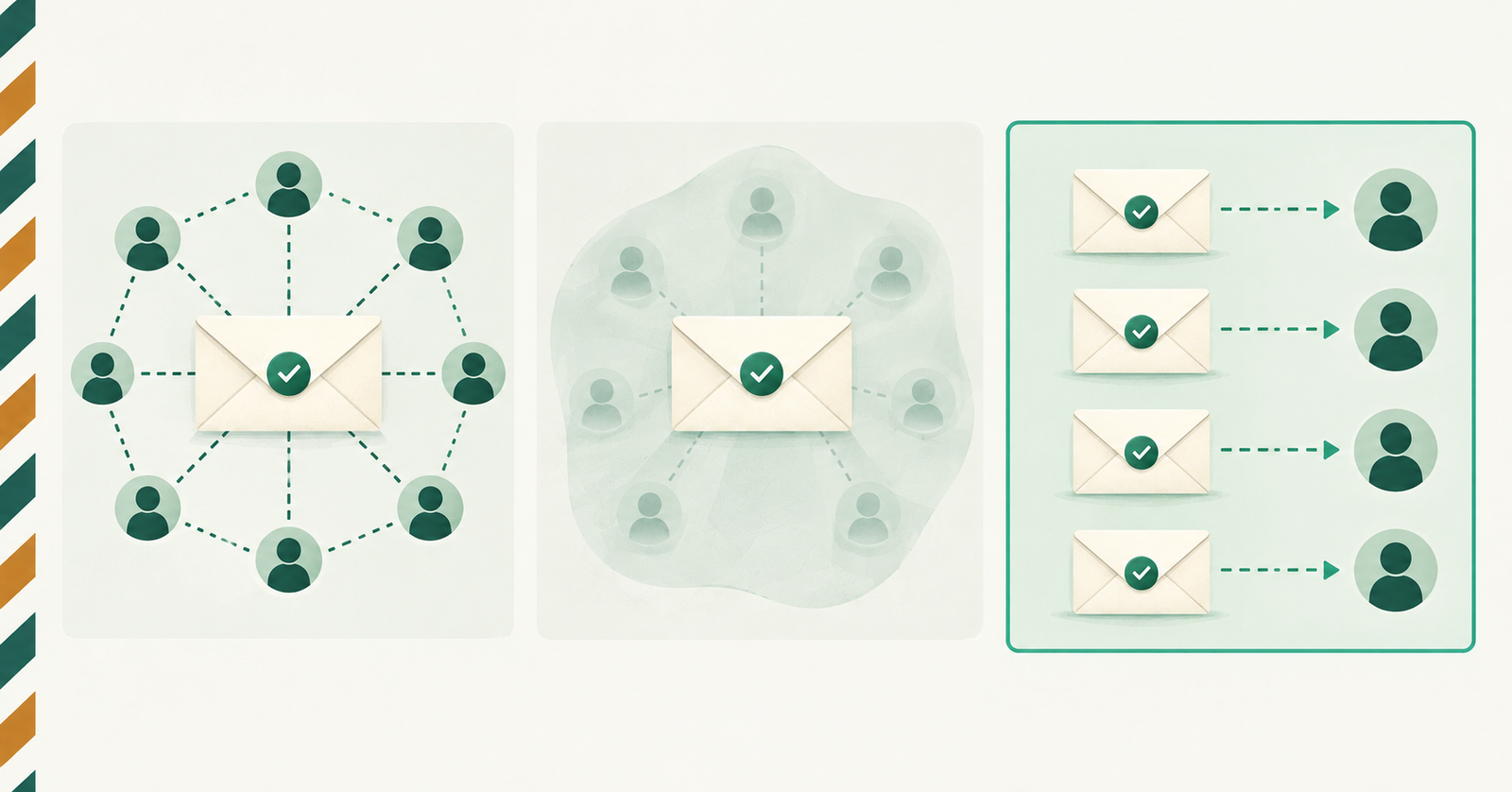
When you send one message to 50 people through Cc or Bcc, it often counts as a single send. When you send 50 separate emails, you use 50. That is the price of privacy and personalisation, and it is why it pays to know your limit before a large batch.
What happens when you hit a limit
The provider temporarily blocks sending, usually for up to 24 hours, and may send a notice. Repeatedly hitting limits can also put your account under review, so it is worth avoiding.
How to stay inside the limits
- Split big lists across several days.
- Do not send everything in a single burst.
- Remove invalid or old addresses, since bounces count against you.
- Use a Workspace or Microsoft 365 account for higher volume.
- Keep a record of what you sent, so you can resume where you stopped.
Outbox keeps a Sent history with the result of every message, which makes it easy to see what went out and what still needs sending.