email tipsprivacy
Cc vs Bcc vs Individual Emails: Which Should You Use?
Cc exposes everyone, Bcc hides everyone, and separate emails let you personalise each message. Here is when each option is the right call, and the trade-offs of each.
By Outbox Team · · 2 min read
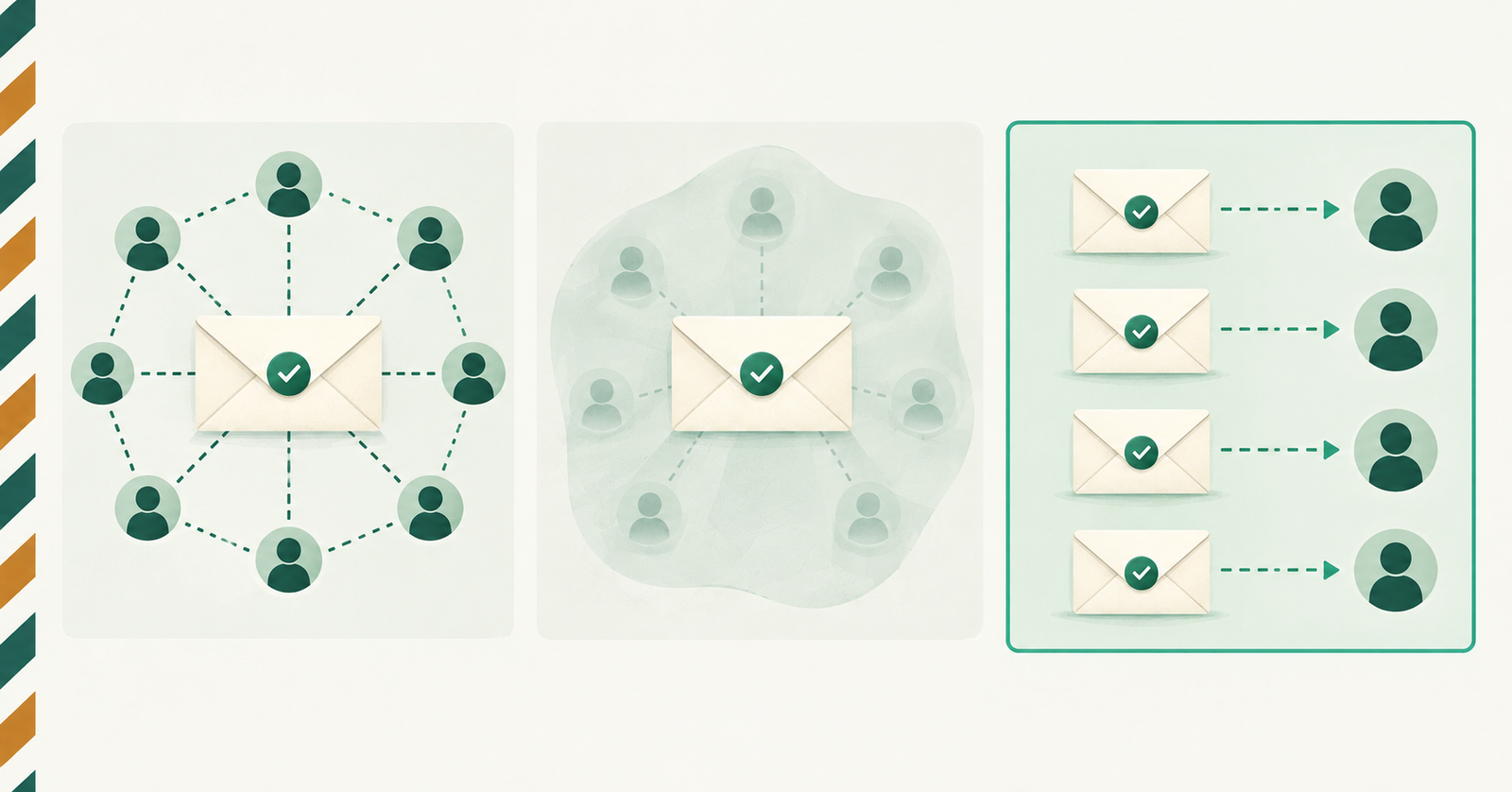
When you email more than one person, you have three choices: put them in Cc, put them in Bcc, or send each person their own message. They look similar on screen but behave very differently once the email lands.
Cc: everyone sees everyone
Cc (carbon copy) shows every recipient's address to every other recipient. That is the point when people need to see who else is involved, such as a project team or a meeting invite.
The downside is exposure. Anyone on the list can reply all, forward the thread, or copy the addresses. Never use Cc for people who do not know each other.
Bcc: hidden, but not private
Bcc (blind carbon copy) hides recipients from each other. It stops address leaks, which makes it popular for announcements.
It has limits, though:
- Everyone gets the same subject and body, so you cannot personalise anything.
- One slip, such as putting the list in To or Cc by mistake, exposes every address, and you cannot undo it.
- Bcc blasts look like bulk mail, and filters treat them with more suspicion.
- Replies come back to you only, which is good, but recipients cannot tell the message was meant for a group.
Individual emails: one message per person
Sending a separate email to each recipient avoids both problems. Nobody sees anyone else, and each message can carry its own greeting, details and subject line.
Individual emails shine when:
- the message includes personal details such as an invoice number or a name;
- recipients are customers, clients or leads who should never see each other;
- you want to know exactly which messages succeeded and which failed.
The trade-offs are time and limits. Sending 40 separate emails by hand is tedious, and every message counts against your provider's daily sending limit.
A simple rule of thumb
- Use Cc when people need to see each other.
- Use Bcc for a one-way announcement where wording is identical.
- Use individual emails whenever the content or the relationship is personal.
Outbox is built for the third case: add as many recipients as you like and each one gets their own email from your real address, with the same subject or a different one for each person.